Text Expanders vs. Reply Snippets: Which One Actually Saves You Time?
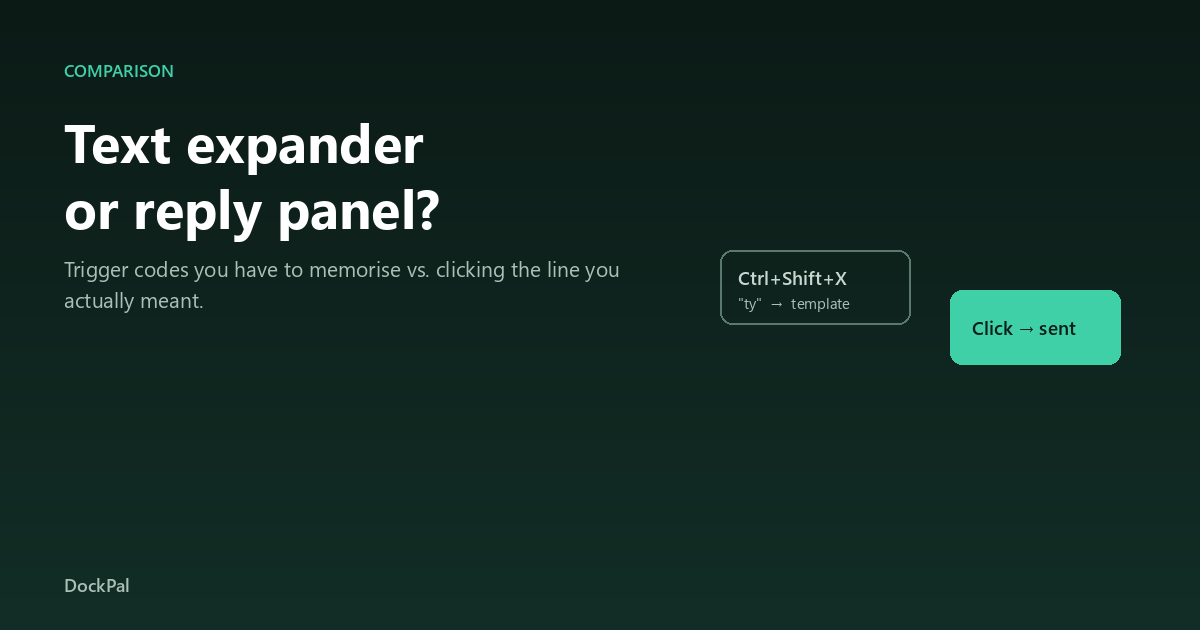
Two tools claim the same job: stop retyping the paragraph. One asks you to remember a code, the other asks you to click a line. That single difference decides which one survives a busy week.
What you'll learn
The comparison in one table
| Text expander | Reply panel | |
|---|---|---|
| Trigger | Type a short code | Click the line |
| Scales to | ~30–40 snippets before memory breaks | Hundreds, with search |
| Best at | Boilerplate: addresses, signatures, code | Conversation: replies adapted per person |
| Speed per action | Fastest, hands never leave the keyboard | One click, but needs a visible panel |
| Screen cost | None | Docks to one edge |
| Typical price | Free to ~$50 | One-time, often $15–30 |
How a text expander fails
It fails by memory, not by features. Ten triggers are muscle memory. Sixty are a second language you have to maintain, and the day you cannot recall whether it was ;fu or ;fd, you type the reply by hand — and within two weeks you stop opening the app entirely.
This is why people who "tried text expanders" usually mean "used it for a month". The tool did not break; the interface reached its ceiling.
How a panel fails
It fails by friction, not by memory. A panel takes screen space, and if you work maximised on a laptop, that space is precious. It also fails on day one: an empty panel is useless, so you have to spend twenty minutes filling it before it earns anything.
Panels that survive are the ones where the first session already has five real replies in it.
Which one fits your job
Ask one question: when I need this text, do I know the words or the code?
- Code → expander. You are invoking a macro, not composing a sentence.
- Words → panel. You are translating a sentence into a code and back, which is why the tool feels like work.
- Both → run both. Most people doing high-volume replies do: expander for signatures and boilerplate, panel for conversations.
Support and community work almost always lands in the second category, because the reply is adapted per person and the library grows past fifty entries within a month.
FAQ
Can a text expander handle 100 snippets?
Technically yes, practically no. The limit is not the tool but the user's memory of triggers; usability drops sharply past roughly forty entries.
Is a panel just a clipboard manager?
No. A clipboard manager records what you copied. A panel holds a curated library you built on purpose, searchable by meaning rather than recency.
Do panels work in every app?
They work wherever text can be pasted — browsers, chat apps, email, ticket systems. They cannot work in full-screen games or apps that block synthetic paste.
Which is faster?
For a known code, the expander is faster by a second or two. For choosing between similar replies, the panel is faster because you read instead of recall.
Can I use both at once?
Yes, and it is the common setup: expander for boilerplate, panel for anything you say to a person.
What about built-in options like Win+V?
Windows clipboard history holds 25 items and cannot be named or searched. It is a useful stopgap, not a library.
The short version
Boilerplate → expander. Conversations → panel. If you are unsure, count the replies you sent twice this week: under twenty, stay free with an expander; over forty, no trigger code will keep up. The full Windows comparison is here.