Free Text Expander for Windows 11: What You Actually Get
“Free” is doing a lot of work in that search. Depending on which tool you land on, free means one of three things: genuinely unlimited, limited to N snippets, or free until you want it to behave like the paid version. Here is what you can expect to get for zero dollars on Windows 11.
What free genuinely gives you
- Unlimited snippets in a local file — Espanso and Beeftext have no paid tier and no limit. This is the real free lunch.
- Trigger expansion anywhere — works in any text field, including browsers, because it hooks the keyboard rather than an app.
- Portability — a folder you can copy to another PC. No account, no licence.
Where free quietly stops
- Search across your library. Almost no free expander lets you type “refund” and see the three refund snippets. You are expected to remember codes.
- Per-app context. There is no notion of “this snippet belongs to the support tool, that one to email”.
- Team sharing — not free anywhere, and rarely needed by individuals.
- Maintenance. Free tools usually mean a config file; free means you are the UI.
Windows 11's own free options
Worth knowing: clipboard history (Win + V) gives you the last 25 copied items — effectively a tiny snippet list with no naming. Word AutoCorrect handles abbreviations inside Word only. PowerToys adds useful utilities but not a snippet manager. None of these replace an expander, but Win + V is genuinely under-used.
When free is enough
You should stay free if: you have under twenty snippets, they change rarely, you only work in one or two apps, and you do not need to adapt wording per person.
When free costs more than paid
If you spend five minutes a day hunting for a snippet — scrolling a doc, forgetting a code, re-typing a line you have already written — that is roughly twenty hours a year. A $20 tool that removes it is not an expense, it is a refund on your afternoon.
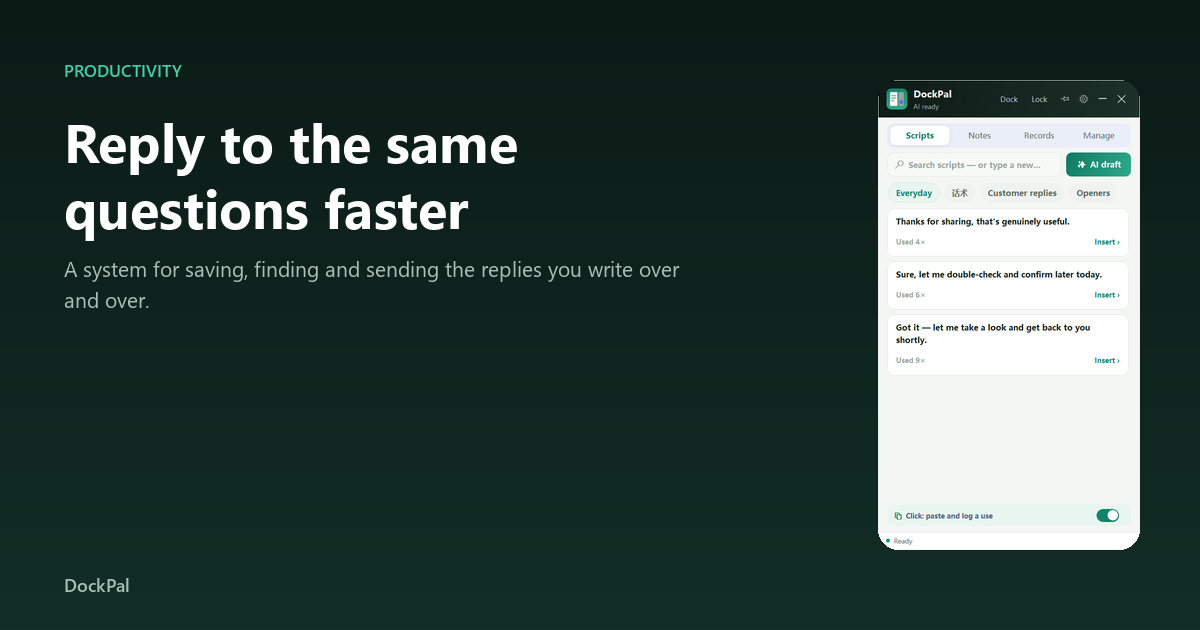
ReplyTray is the paid option in this comparison: a panel beside any Windows app, click to paste, search across everything, and it counts the time saved so you can check the maths yourself. Windows 10/11, no account. Details.