How to Reply to the Same Questions Faster (Without Sounding Like a Bot)
If you answer messages for a living — community manager, support, sales, freelance — you already know the shape of your day. Someone asks how much it costs. Someone asks whether it works on Mac. Someone asks for the file again. You type a version of the same answer you typed yesterday, and the day before that.
It does not feel like wasted time in the moment. It feels like work. But run the numbers and it becomes hard to ignore.
The real cost of retyping
Take a modest case: you send twenty-five replies a day, and each one takes about forty-five seconds to recall, adapt, and type. That is a little under twenty minutes a day. Over a working year, roughly seventy hours — almost two full work weeks spent re-typing things you have already said.
The cost is not only time. It is the quality drop at 4pm, when you are tired and start writing shorter, flatter answers than you did at 10am.
Why templates usually fail
Most people try templates first, and most people abandon them, for one honest reason: a template sounds like a template. The moment a customer reads “Thank you for reaching out to our team regarding your inquiry,” they know they are talking to a wall.
The fix is not better templates. It is your own sentences — the ones you actually sent, that worked, that got replies — kept where you can reach them.
A system that actually sticks
Three parts, in order of importance.
1. Save what you already sent
Not what you wish you said. Open your last week of messages and copy out the fifteen or twenty answers you gave more than once. Keep the original wording, the small jokes, the specific phrasing. That is your library, and it is already written — you are just collecting it.
2. Put it one click away from where you type
This is the part people get wrong, and it is why template libraries die. If the library lives in another tab, another app, or a document, you will not open it while in the middle of a conversation. It has to sit next to the box you are typing in.
The test is simple: can you send a saved reply without moving your eyes off the conversation for more than a second? If not, the library will stay unused.
3. Make search faster than scrolling
A list of forty saved lines is not orderable — you will scroll and lose five seconds every time. Search is faster. Better still is a search box that does double duty: if something matches, send it; if nothing matches, send what you typed and keep it for next time. That way the library grows by using it, not by maintaining it.
The bot problem, revisited
Sending a saved line is only half the problem. The other half is that the reply has to feel like it was written for that person. Two habits help:
- Keep the line short enough to be adapted. A two-sentence reply you can trim beats a paragraph you have to rewrite.
- Change one specific detail. Say the name, echo a word they used, answer the actual question rather than the general topic. One changed detail is the difference between “template” and “reply”.
Measure it, or it does not count
What gets measured stays. Forty seconds per paste is a reasonable rule of thumb; even if it is off by half, you will see the number move within a week. That number is also the only honest way to answer “is this worth the effort?”
What we built, briefly
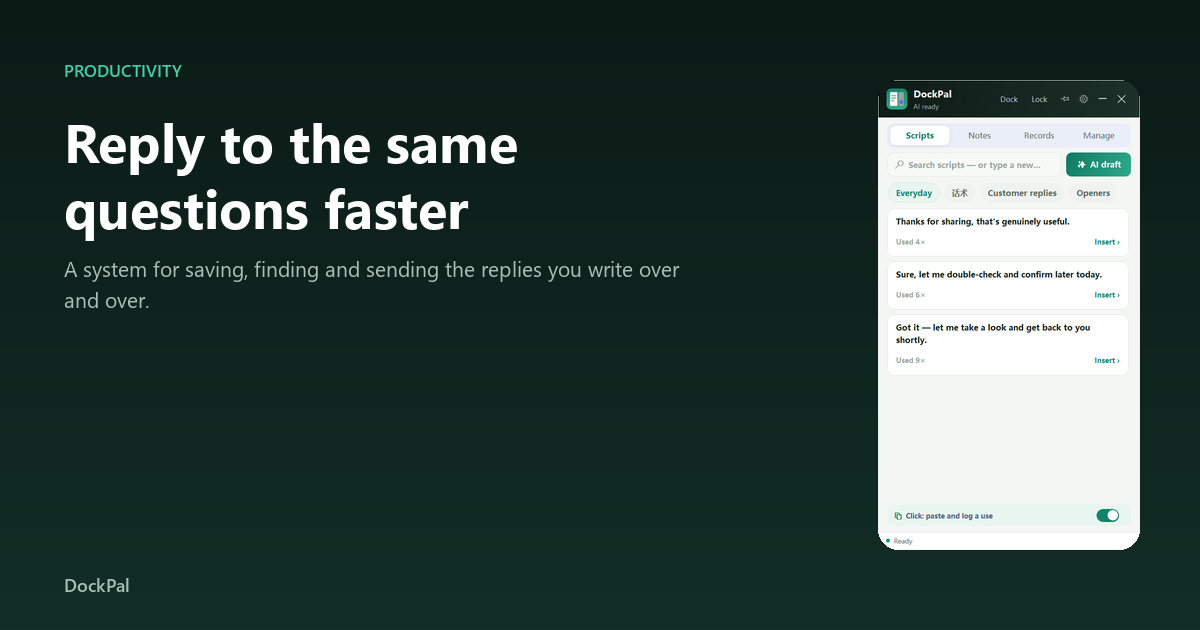
This is why ReplyTray exists. It is a small Windows panel that docks beside whatever app you are in: click a saved line and it is pasted into the box you were already typing in, with a search box that doubles as an input. It counts the time you save, and it is local-only — one database file on your machine.
You do not need our app to use this system. Save your lines in whatever you like. But if the “one click away” part is the piece you keep failing at, that is exactly the part we built. ReplyTray is here.