TextExpander Alternatives for Windows: 6 Options Compared
You search for TextExpander alternatives because TextExpander is a subscription, or because it is Mac-first, or because nobody on your team can remember which of the 40 shared snippets is the current one.
All three are real reasons. What follows is a straight comparison of six options that run on Windows, including the constraints each one has, and a decision rule you can apply in two minutes.
What you'll learn
- Six options in one table
- Each option, and where it falls short
- How to choose without testing all six
- FAQ
Six options in one table
| Tool | Model | Price | Best for | Main limitation |
|---|---|---|---|---|
| TextExpander | Subscription | ~$4.16/user/mo | Teams sharing a library | Per-seat pricing, Mac-first |
| Espanso | Open source | Free | Developers, cross-platform | YAML config, no library view |
| Beeftext | Open source | Free | Simple Windows snippets | Windows only, no search |
| PhraseExpress | One-time | ~$50 Pro | Macros, conditional logic | Dated UI, config overhead |
| aText | One-time | ~$5 lifetime | Individuals on Windows or Mac | No Linux, thin team features |
| ReplyTray | One-time | $19.90 | 50+ replies adapted per person | Occupies screen edge |
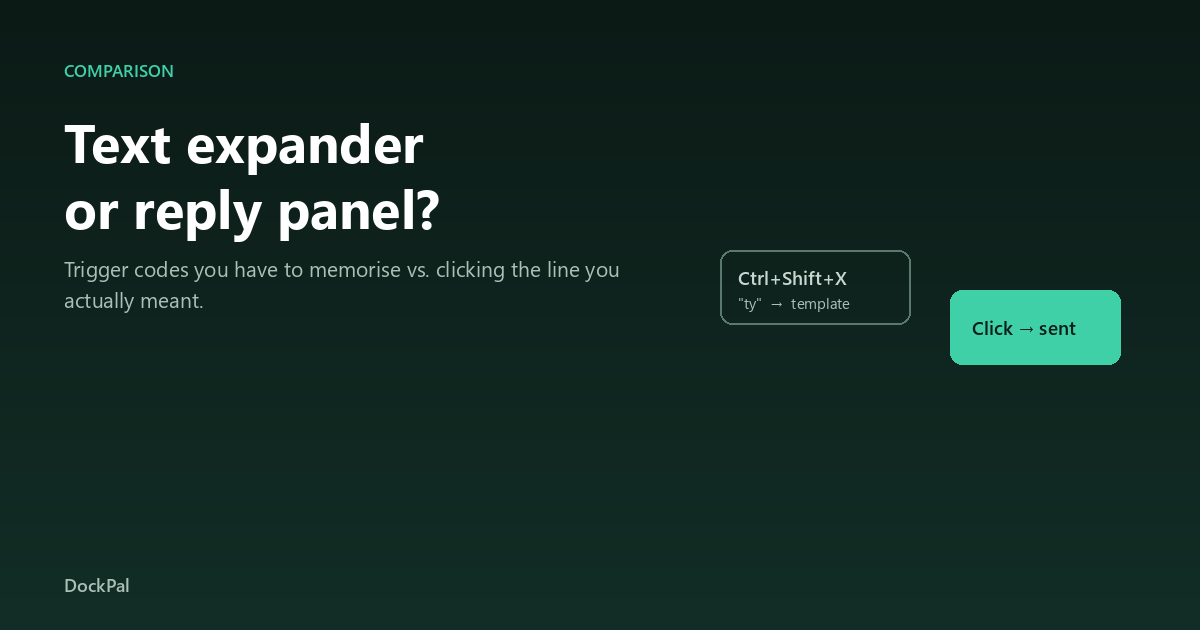
Five of these expand on a typed code. The sixth puts your saved lines in a panel you click. That is the only structural difference that matters, and it decides the choice for most people.
Each option, and where it falls short
TextExpander — still the team standard
The reference product for shared libraries. Cloud sync, sharing groups that push updates to everyone, fill-in forms for customer name and ticket ID, and analytics on which snippets save the most time.
Where it falls short: per-seat subscription pricing gets expensive fast, Linux is web-only, and for one person the feature set is mostly unused.
Bottom line: worth the money only when several people must share one consistent library.
Espanso — the free default
Open source, cross-platform, and genuinely unlimited. Config lives in YAML, dynamic snippets handle dates and shell output, and it fires reliably in browsers, editors and terminals.
Where it falls short: adding a snippet means editing a text file, and there is no view of your library — you find things by remembering the trigger.
Bottom line: the best free choice under about thirty snippets, if you are comfortable in a text file.
Beeftext — the least intimidating free option
A small Windows expander with a real GUI. Snippets, variables, dates, CSV import, portable.
Where it falls short: Windows only, no search, development is quiet.
Bottom line: the right free pick if you want a screen instead of a config file.
PhraseExpress — the powerful, dated one
Deeper than the rest. Macros, clipboard history, conditional logic, SQL connectors, Office add-ins, team sharing.
Where it falls short: the interface is a decade behind, and configuration is its own project.
Bottom line: the pick for Windows-first support or IT teams that need logic, not for one person answering DMs.
aText — the cheap lifetime license
Polished, one-time purchase, no subscription. Works on Windows and macOS, handles formatted text and images.
Where it falls short: basic team features, no Linux, and the free tier caps your snippet count.
Bottom line: the cheapest paid option per machine if you want polish without a subscription.
ReplyTray — the different shape
A panel, not an expander. It docks beside whatever Windows app you are in, lists your saved replies as readable text, and pastes the one you click into the box you were typing in. Search doubles as input: an unmatched line gets sent and saved.
Where it falls short: it takes the right edge of your screen, it is paid, and no tool of this kind works in a full-screen game.
Bottom line: the right answer once your library passes forty lines — because at that size you are recalling triggers, not writing replies.
How to choose without testing all six
- One person, under 20 snippets → Espanso (technical) or Beeftext (not technical).
- One person, wants polish and a lifetime license → aText.
- Team of three or more, shared library → TextExpander.
- Needs macros or conditional logic → PhraseExpress.
- 50+ replies adapted per person, across several apps → ReplyTray or another panel, because codes stop being memory at that scale.
One question shortcut: when you need a snippet, do you know the words, or the code? Words → panel. Code → expander.
FAQ
Is there a free alternative to TextExpander for Windows?
Yes — Espanso and Beeftext. Both are fully free with no snippet cap. Espanso is more capable and cross-platform; Beeftext has a friendlier interface.
Does TextExpander work on Windows?
It does, but it is Mac-first and priced per seat per month. On Windows alone, aText or PhraseExpress cost less over a year for a single user.
Which alternative works in browsers?
All of them, because expansion happens at the keyboard level rather than inside an app. Espanso, Beeftext and PhraseExpress all work in Gmail, Slack and web forms.
Can I import my TextExpander snippets elsewhere?
Most tools accept CSV or plain-text import. Espanso and Beeftext both take CSV, so a TextExpander export converts with light cleanup of the group structure.
What is the cheapest option overall?
Espanso and Beeftext are free. Among paid tools, aText's one-time license and PhraseExpress's one-time Pro tier beat any subscription for a single user.
Do these tools sync between computers?
Espanso syncs if you point its config folder at Git or a synced drive. TextExpander syncs through its own cloud. Beeftext and aText need manual copying unless you use a synced folder.
Why do people stop using a text expander?
Almost always because the library outgrew their memory of the triggers. Past roughly forty snippets, users start typing by hand instead of recalling the code, and the tool quietly dies.
Is a subscription worth it for one person?
Rarely. The subscription models are priced around shared libraries and admin controls; a single user pays for features they will not open.
The short version
If your repeated text is boilerplate, take Espanso or Beeftext and stop reading. If your repeated text is conversation — dozens of answers, adapted per person, across five apps — no trigger code will survive contact with your workload, and the honest alternative is a panel rather than an expander.