How to Make AI-Written Replies Sound Like You
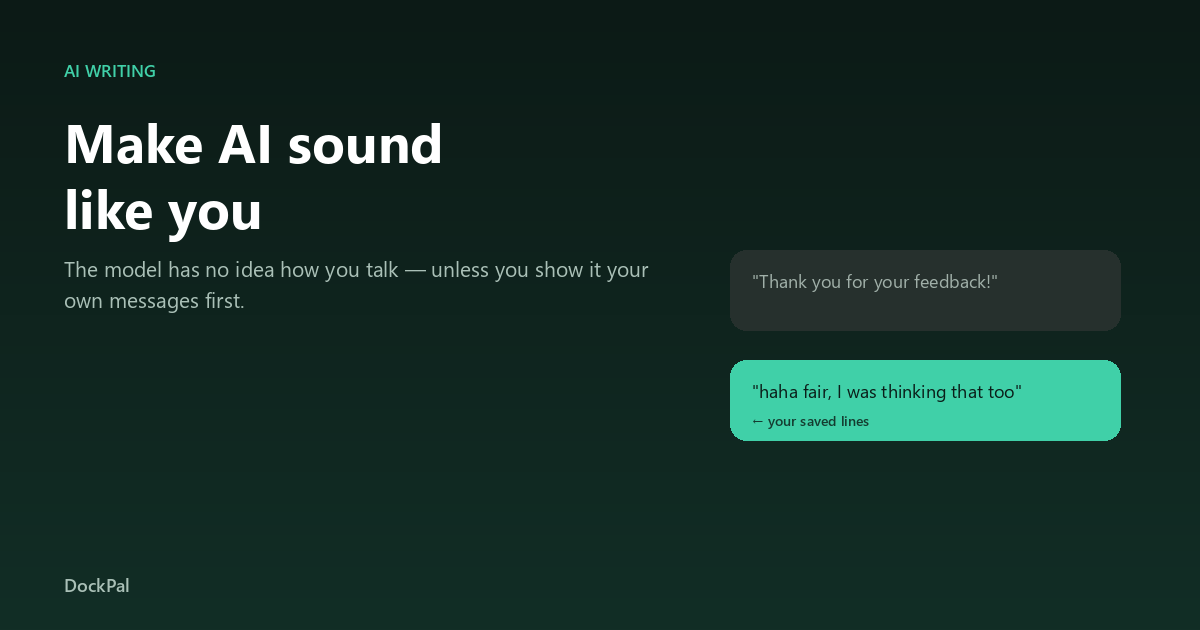
Ask a model to “write a friendly reply” and you get something that is friendly the way a corporate newsletter is friendly. Technically polite. Completely unlike a person.
The reason is not that the model is bad at writing. It is that it is writing for everyone, because you gave it nothing about you.
Why generic output is the default
A language model predicts the next words given context. With no context about your voice, it estimates the most likely “reply” in the training data — which is customer-service boilerplate. Ask for a comment reply and you get “Great post! Thanks for sharing.” Ask for a DM and you get “Thanks for reaching out.”
None of it is wrong. All of it is anonymous.
The one thing that changes the output
Give it examples of your own writing. Not instructions about your tone — actual sentences you have sent.
Three to ten lines is enough to shift the output dramatically, because the model starts matching rhythm, sentence length, punctuation habits and vocabulary instead of averaging over the internet.
What good examples look like
- Real messages that worked — ones that got replies, not ones you wish you had sent.
- Short — one or two sentences each. Long examples get averaged into something flatter.
- Varied situations — a compliment, a question, a disagreement, a thank-you.
- Your quirks — if you never use exclamation marks, the examples should not either.
What to avoid
Do not paste marketing copy, and do not paste your “best” writing. Paste the ordinary stuff. The goal is a voice match, not a portfolio.
Instructions that actually move the needle
Once examples are in place, short instructions work better than long ones:
- Keep it under 25 words. (Length is the single biggest tell of machine writing.)
- No exclamation marks, no emoji. (Say it once and it obeys.)
- React to something specific in what they said. (Forces the model off the generic path.)
- Do not introduce yourself or thank them for reaching out. (Kills the two most common bot tells.)
The workflow that avoids the “AI smell”
- Write your own reply first, badly. Ten seconds, no polish.
- Ask the model to rewrite that, using your saved lines as the style reference.
- Keep whichever version sounds more like you — usually a mix.
Drafting first matters: it stops the model from inventing a personality, and gives it something to preserve.
What we do differently in ReplyTray
When you ask ReplyTray to draft a reply, it does not start from a blank prompt. It reads the lines you already saved, uses them as the style sample, and only then writes — the same trick described above, automated.
That is also why the app asks you to save a handful of lines before the AI is any good: with nothing saved, it can only write generic copy. ReplyTray is here if you want to try it.